|
I
discovered Dick Hutchinson's 'Aurora'
website early in 2002. I was impressed by just how much
useful technical information it contained, regarding the ins
and outs of successfully photographing the aurora.
|
|
For
convenience, I decided to use Acrobat (4.0) to download his
entire website in PDF format for offline viewing and easy
navigation. I was new to the elegance of Acrobat at that time,
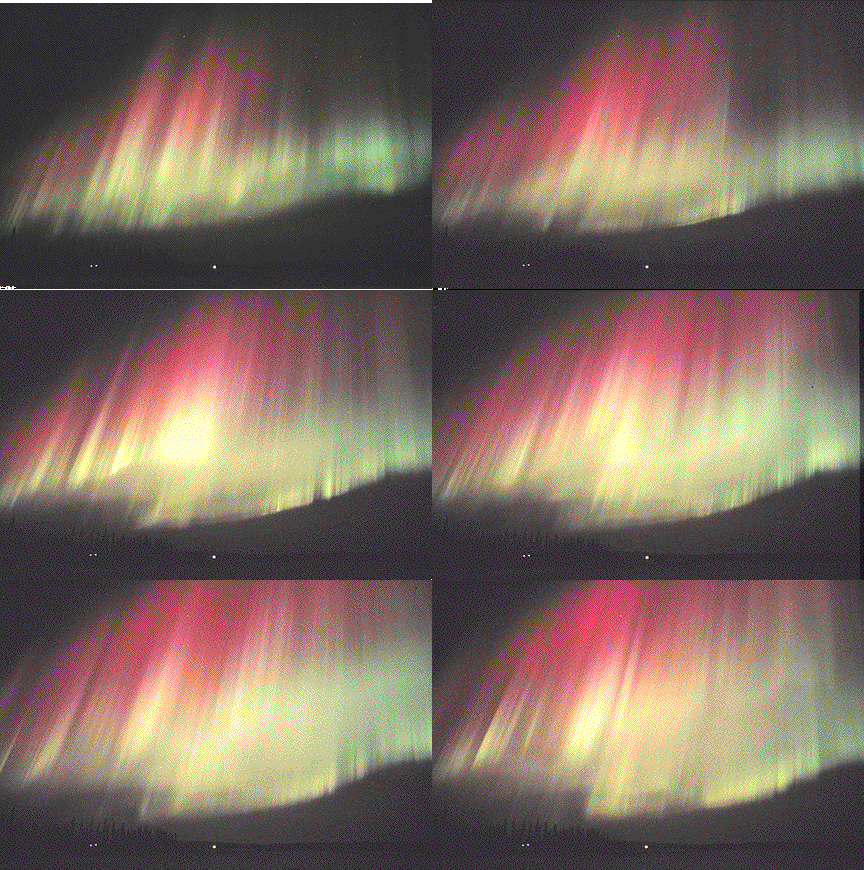
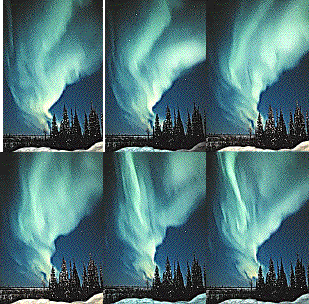
and quickly discovered that the two embedded GIF animations
of the aurora couldn't be included directly in a PDF file.
I wanted to make the PDF document mimic the website as closely
as possible, while avoiding the need to install and run extra
third-party software to do it.
The
solution that I chose uses two 'HTML' flyouts extracted from
the original webpage, edited slightly to allow the GIF animation
files to run in an Internet Explorer (or Netscape) window.
Simply clicking the aurora images on pages 27 and 40 of the
PDF website file loads and plays the animation indefinitely
in a new window.
|
|
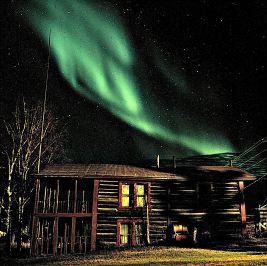
Shetland
is generally a light-pollution-free zone, and I've found that
much of the place is suitable for attempting similar winter-time
photographic forays. The offline page details on camera-setup
could be very useful to anyone else who takes an interest in
viewing and photographing the aurora, so they're presented below.
Right-clicking on any of the five links below will allow you
to save these items in a folder of your own choice. You may
find it easiest to create such a folder beforehand (in 'My
Documents', for instance), and then place all of these files
inside it when you download them.
If
you find the information presented in those files to be at
all useful or interesting, please go to Dick's website
and thank him for his (very considerable) efforts and open-handedness
- for putting it all together so elegantly, and then sharing
it so freely with the rest of the online world.
|
|
|